 AI Content
 Scheduling
 Team Collaboration
 Analytics
 Social APIs
 Claude
 ChatGPT
 Cursor
 VS Code
 Copilot
 Gemini
 Windsurf
 Zed
Zed + any MCP client
 Timely push alerts
 Photos & video posts
 AI drafts on the go
01

Connect your accounts
Connect once with each network’s secure sign-in.
Turn one idea into posts for seven networks. Draft with AI, plan with your team, and see what works — all in one place.
An illustrated creator writes one post in the PostMCP dashboard, selects seven accounts on LinkedIn, X, Instagram, Facebook, Threads, Bluesky and YouTube, and schedules or publishes it to all seven at the same time. Choose Schedule or Post now to replay that example. This demo does not publish real posts.
Check your queue, draft with AI and publish from your phone. The same workspace, wherever you go.
Give your assistant the tools to draft, schedule and publish across seven networks.
Connect once with each network’s secure sign-in.
“Announce our launch on Friday.” Get a draft for every network.
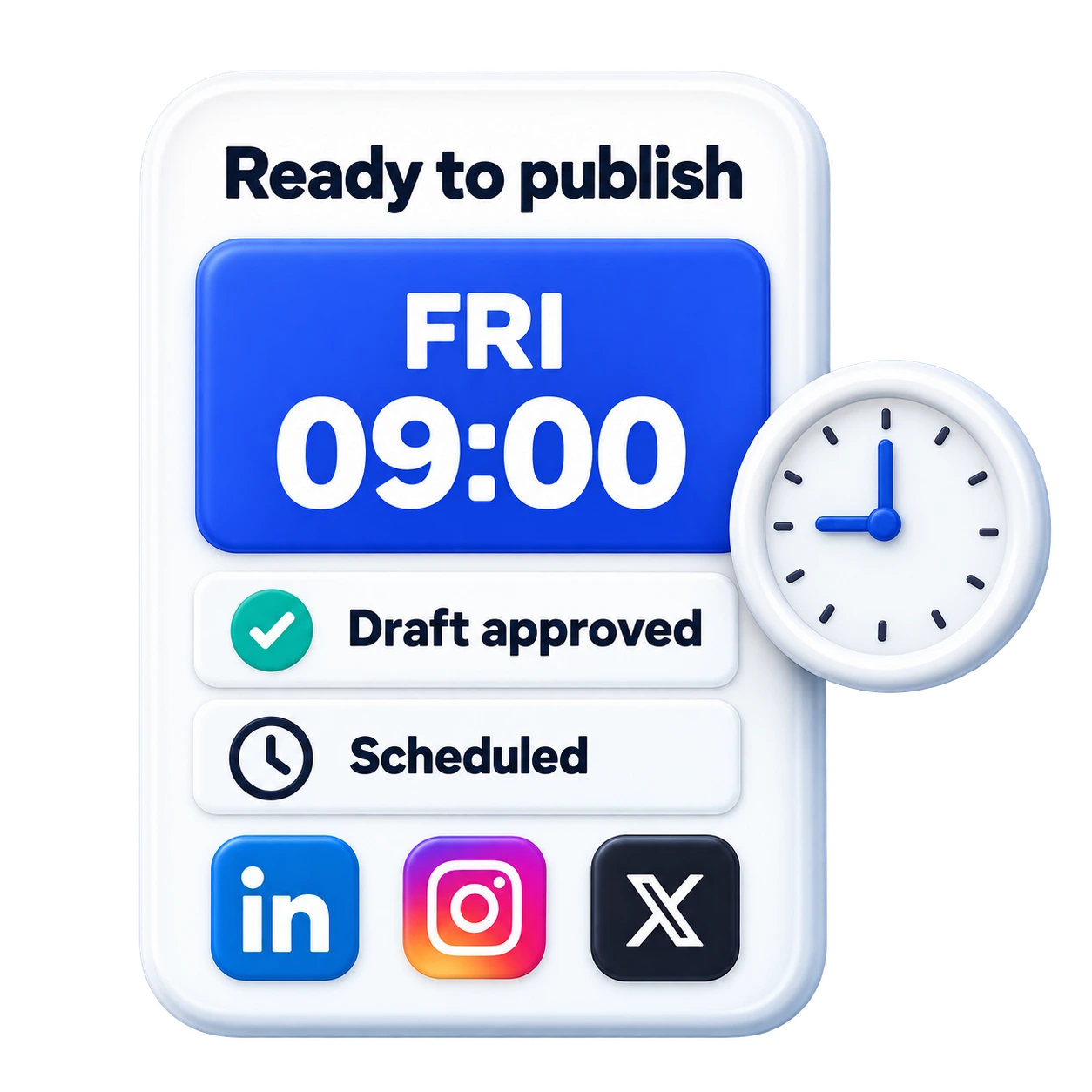
Approve your posts, set a time, and check results when you’re ready.
The right tone, length and format for each network.
Announce Nova’s launch on Friday.
Nova launches Friday. Less busywork. More time to create. 🚀 #NovaLaunch
Short & punchyMeet Nova, launching Friday. We built it to give teams more time for their best work. Here’s to a simpler workday.
Professional
Your next chapter starts Friday. ✨ #NovaLaunch #CreateMore
Visual-firstSee every scheduled post.
Drag to reschedule; stay in control.




An example week in your shared calendar.
Set your tone in your AI’s instructions. Keep every post on-brand.
Draft and schedule together in one shared workspace.
Review drafts first. Connect securely and disconnect anytime.
Compare post performance across your networks. See the numbers in your dashboard, or just ask your AI.
Start with 20 free credits. Choose the room you need to grow.
Try everything, with no time limit.
Free foreverFor a steady weekly rhythm.
Billed monthlyFor creators posting every day.
Billed monthlyManaging a larger team? Compare all plans, including Business
Hand it to your agent and show up everywhere.
Your first 20 posts are on us.
The things people ask before signing up — in plain English.
None. Connect the AI you already use — Claude, ChatGPT, Cursor — with one pasted link, then tell it what you want in plain English and it does the rest: writing, scheduling and publishing. Or write in the composer and let it draft for you. You can review every draft before it goes out, and nothing is posted without your say-so.
Yes. Give your agent one sentence, a link or a changelog and it writes a version for each network, checks the limits, schedules it and publishes to your real accounts. The only thing it never skips is your approval — every publish waits for a yes, so automatic never means unsupervised.
X (Twitter), LinkedIn, Instagram, Facebook, Threads, Bluesky and YouTube Shorts — all from one place, with one click. Your agent adapts each post to the network it is going to.
One credit = one published post per profile (five for X), one AI draft in the composer, or one analytics read of a post or a profile; an AI-generated image costs 20. Drafting inside your own AI over MCP costs nothing. The free plan includes 20 every month, forever, with no card required. Your live balance and usage sit in your dashboard billing tab.
Yes. Open any published post and read its views, likes, comments and shares straight from LinkedIn, X, Facebook, Instagram, Threads, Bluesky and YouTube — per profile, the moment you ask; open a connected account for its followers, posts and views. Numbers are read when you ask for them, one credit per read, and never in the background. Your AI agent can read the same figures over MCP or the API, so “how did that post do?” is a question you can just ask.
Yes. There are no contracts and no lock-in — cancel from your billing tab whenever you like, and the free plan never expires.
Channels are authorised through each platform's official OAuth 2.0 sign-in — we never see or store your social passwords. Access tokens are encrypted at rest, and you can revoke any channel instantly from your dashboard.
Both. One command connects ChatGPT, Claude, Cursor or any MCP-capable client so it can publish through PostMCP, and a REST API covering all seven networks lets you wire publishing into your own product or automations. Neither is required to use the app.
It is a Model Context Protocol server that exposes social publishing as typed tools an AI assistant can call — create a post, schedule it, publish it, retry a failure, read the queue, check which account tokens are expiring. The assistant discovers the tools automatically and picks the right ones from a plain-English instruction, so you describe the outcome instead of operating a scheduler. PostMCP ships 17 such tools across seven networks.
For Claude Desktop, Cursor and VS Code it is a five-line JSON block pointing at "npx -y @postmcpai/server" plus an API key from your dashboard — restart the client and the publishing tools appear. Claude.ai and ChatGPT are web clients, so they connect to a hosted copy of the same server over HTTPS, either as a remote MCP connector or as Custom GPT Actions built from its OpenAPI schema.
Not for the app, and not for local AI clients — npx fetches and runs the MCP server on demand, so there is nothing installed permanently. Hosting is only needed for browser-based clients like Claude.ai and ChatGPT, which cannot spawn a local process. The server is MIT licensed and published on npm as @postmcpai/server, so you can host it anywhere that runs Node.
The docs cover server setup, tool schemas, and every platform quirk we've hit.