What is a social media MCP server?
Schedulers give people a calendar. APIs give programs an endpoint. An MCP server gives an AI assistant a set of typed tools it can decide to call — and that third thing is what changes how social publishing gets done.
Three things can publish a social post on your behalf, and it is worth being precise about which is which, because they are routinely confused.
- A scheduler is a destination for a person. You open a calendar, write copy, pick a time, press publish.
- A REST API is an endpoint for a program. Something you wrote sends an HTTP request with a body you built.
- An MCP server is a toolkit for a model. An AI assistant discovers what it can do and decides, mid-conversation, which action to call.
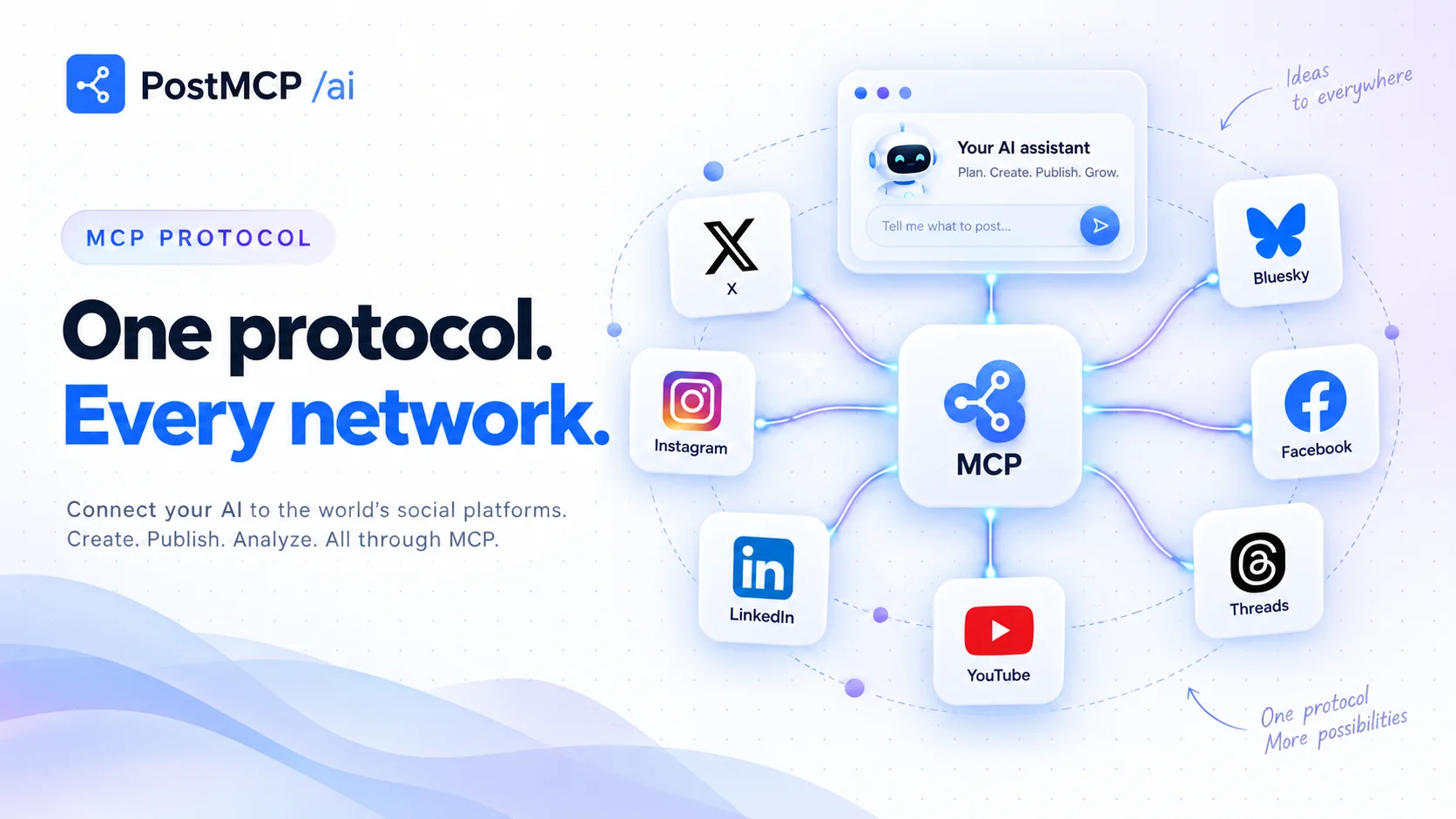
A social media MCP server is that third thing pointed at social networks. It is a program that advertises a set of typed tools — create a post, schedule it, publish it now, retry a failed one, read the queue, list connected accounts, check token health — and any AI client that speaks the Model Context Protocol can call them.
The practical consequence: you stop operating the tool and start describing the outcome. “Draft a launch post for the analytics dashboard, tailor it for LinkedIn and X, and schedule both for Tuesday at 9am IST” is a sentence your assistant can execute, because the actions behind it are tools it can see.
What MCP actually is
The Model Context Protocol is an open standard for connecting AI assistants to external capabilities. A client — Claude Desktop, Claude.ai, Cursor, VS Code, or an agent you wrote — connects to a server, asks it what tools it has, and receives typed schemas back. From then on the model can call those tools during a conversation, with the client mediating approval.
The important word is discovery. Nobody hand-wires the integration. You do not teach Claude what create_post means; the server describes it, and the model reads the description. That is why one MCP server works across every MCP client instead of needing a plugin per assistant.
What the tools on a social media MCP server look like
A good server splits its surface by blast radius, because that is the distinction a human approving a tool call actually cares about. Reads are safe to run unattended. Writes touch a public feed. PostMCP’s MCP server ships sixteen tools split exactly that way:
| Read-only | What it answers |
|---|---|
get_connected_accounts | Which profiles are connected, and the profileId needed to target one. |
get_account_health | Which connections have an expired or expiring token and need reconnecting. |
list_posts | The queue, newest first, with per-profile delivery status. |
get_post | One post in full: which profiles received it, live URLs, per-profile errors. |
get_user_info | Plan tier, credit balance, active workspace and role. |
| Mutating | What it does |
|---|---|
preflight_post | Dry run: character limits, unconnected profiles, missing media, credit cost. Publishes nothing. |
create_post | Draft, schedule or immediately publish to named profiles. |
publish_post_now | Publish early, or retry a failure — skipping profiles that already received it. |
reschedule_post | Move a post to a new slot, keeping copy and targets. |
generate_image | Generate a post image and return a hosted URL to attach. |
multicall | Run up to 20 of the above in one validated request. |
Notice how much of that surface is not “post something”. preflight_post exists because a model guessing at X’s character limit is a model that fails at publish time. get_account_health exists because the most common cause of a silently broken automation is an OAuth token that expired three weeks ago. A publishing toolkit that only publishes is a toolkit that breaks quietly.
Two transports, and why you care
MCP servers run in one of two modes, and which one you want depends entirely on where your AI client lives.
- 1stdio — local clients
The client spawns the server as a subprocess and talks over standard input and output. Nothing is exposed to the network and your API key stays in a local config file. This is what Claude Desktop, Cursor and VS Code use.
- 2Streamable HTTP — remote connectors
The same binary, started with a
PORT, becomes an HTTP service with OAuth 2.0 discovery metadata. This is what web clients like Claude.ai need: you host it, and hand over a URL instead of a command.
{
  "mcpServers": {
    "postmcpai": {
      "command": "npx",
      "args": ["-y", "@postmcpai/server"],
      "env": { "POSTMCPAI_API_KEY": "pmcp_sec_•••" }
    }
  }
}
That is the whole local install. There is nothing to npm install permanently — npx fetches and runs it. Restart the client and sixteen publishing tools appear in its tool list.
What changes when publishing becomes a tool call
The interesting shift is not speed. It is that the work moves to where the context already is.
If you are in Cursor and you just merged a release, the changelog is on screen. The version number, the fixed bugs, the contributor names — all of it is already in the conversation. Asking your editor to announce the release means the post gets written from the actual diff rather than from your memory of it twenty minutes later in a different tab.
The best social post is usually written in the five minutes after the thing happened, by whoever it happened to. MCP is mostly a way of removing the tab switch that stops that from happening.
The second shift is composition. Because the tools are typed and discoverable, an assistant can chain them: check which accounts are connected, run a preflight to catch the 280-character overflow, generate an image, then schedule seven posts in one multicall. No individual step is impressive. The chain is the product.
Where the credentials live
This is the question everyone asks second, and the answer should be structural rather than reassuring. There are three separate secrets in play, and the model holds none of them.
- 1Your social OAuth tokens stay encrypted in the backend vault. They are never sent to the MCP server, let alone to the model.
- 2Your API key lives in the MCP server process — an environment variable, a query parameter or a header. It authenticates calls to the backend and is never returned as tool output.
- 3The model sees tool names, the arguments it chose, and the results. Enough to publish a post; not enough to take over an account.
Add to that the client-side approval prompt on mutating tools, and the practical security posture is closer to “an intern with draft access” than “an autonomous agent with your password”. We go deeper on the threat model in MCP server security for social accounts.
When you do not need one
Honest scoping: an MCP server is the wrong shape for some jobs.
- If a human is going to review every post anyway, a content calendar is a better interface than a chat window. Use both — most teams do.
- If you are building a product feature rather than a workflow, use the REST API directly. Deterministic code should not route through a model. That trade-off is the subject of MCP vs REST API.
- If you need guaranteed-identical output, do not put a language model in the path. Templates are better at being templates.
Getting started in about a minute
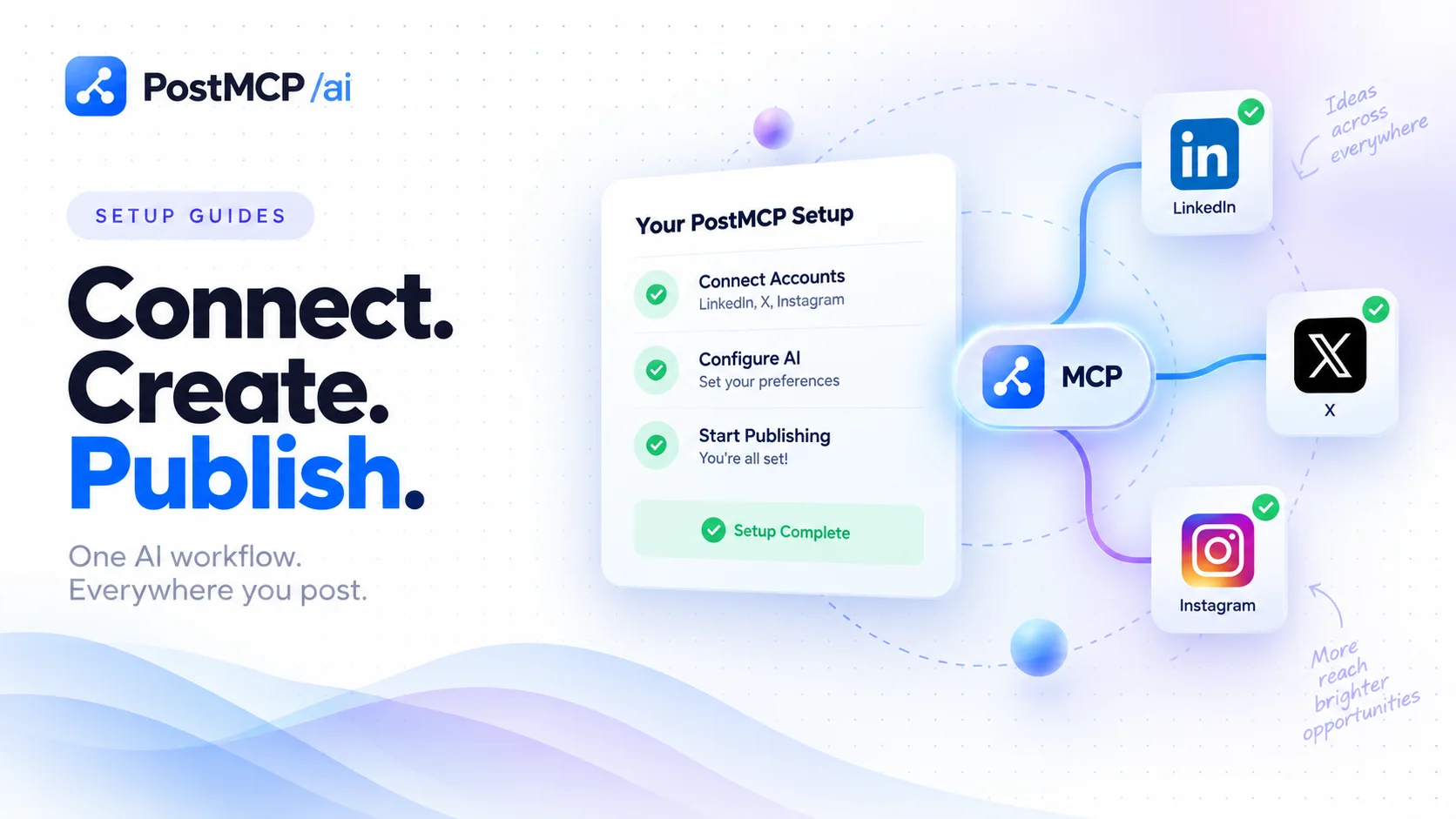
- 1Connect your networks
Sign in and authorise the accounts you want to post to through each platform’s official OAuth flow. The free plan covers 20 posts a month with no card.
- 2Create an API key
From the dashboard. The key is bound to the workspace it was issued from, so a bare key is enough for single-workspace use.
- 3Add the server to your client
Paste the five-line JSON block above into Claude Desktop, or add
npx -y @postmcpai/serveras an MCP command in Cursor. - 4Ask for something
“What social accounts do I have connected?” is the right first prompt — it is read-only, and it proves the whole chain works before anything reaches a feed.
The full walkthrough with screenshots lives in the setup docs, and every tool’s parameters are in the API reference.
Frequently asked questions
- What is a social media MCP server?
- It is a Model Context Protocol server that exposes social publishing as typed tools an AI assistant can call — create a post, schedule it, publish it, retry a failure, read the queue, check which account tokens are about to expire. The assistant discovers the tools automatically and decides which to call from a plain-English instruction, rather than you clicking through a scheduler UI or writing HTTP requests.
- How is an MCP server different from a normal social media scheduler?
- A scheduler is a destination you visit: you open a calendar, write copy, pick times, press publish. An MCP server has no UI at all — it is a capability you hand to software. The same underlying actions are available, but the caller is an AI assistant working from your instruction rather than a person working from a screen.
- Do I need to be a developer to use one?
- No. Installing a social media MCP server into Claude Desktop or Cursor is a five-line block of JSON and an API key. After that you talk to it in plain English. Developer skills matter if you want to host the HTTP transport yourself or build your own server, not to use one.
- Which social networks can an MCP server post to?
- That depends entirely on the server. PostMCP’s covers LinkedIn, X (Twitter), Facebook, Instagram, Threads, Bluesky and YouTube Shorts from one tool surface, so a single instruction can fan out across all seven.
- Is the Model Context Protocol an open standard?
- Yes. MCP is an open protocol with a published specification and SDKs in several languages. Any client that speaks it can use any server that speaks it, which is why one server works across Claude, Cursor, VS Code and custom agents without per-client integrations.