What is an AI social media manager?
The phrase is used for everything from a caption generator to a fully autonomous account. Here is what a real AI social media manager does, where the line with a human sits, and what to check before you trust one with your accounts.

“AI social media manager” is being used for three different things at the moment: a caption generator with a nice interface, a scheduler with an AI button bolted on, and an agent that actually runs the account end to end. Only the third one deserves the name, and this post is about what it does, what it should never do, and how to tell the three apart before you connect your LinkedIn to one.
The job, broken into its parts
A human social media manager does roughly seven things a week. Five of them are mechanical and two are judgement. An AI social media manager is a tool that takes the five.
| Part of the job | Mechanical or judgement? | Who should own it |
|---|---|---|
| Turning a source — a launch, a blog, a call — into a first draft | Mechanical | The AI |
| Rewriting that draft per network: 280 characters for X, a narrative for LinkedIn, a caption for Instagram | Mechanical | The AI |
| Making or picking an image, in the brand’s style | Mechanical | The AI, with a style reference |
| Checking limits, media requirements and account health before queueing | Mechanical | The AI |
| Publishing, tracking each profile, retrying what failed | Mechanical | The AI |
| Deciding what is worth saying this week | Judgement | You |
| Approving what goes live under your name | Judgement | You |
Everything in the “AI” rows is boring, verifiable and repetitive — exactly what a model is good at. Everything in the “You” rows needs context no model has: what the company is trying to say this quarter, which customer story is safe to tell, whether today is a good day to post at all.
A good AI social media manager removes the hour of mechanics. A bad one removes the two minutes of judgement as well.
Manager, scheduler, generator: which one are you looking at?
Three quick tests separate the categories. Ask the vendor — or the free trial — each of them.
- 1Does it publish to my real accounts?
A post generator writes and stops; you copy the result into seven apps. If the tool cannot show you a live URL after it posts, it is a generator, whatever the landing page says.
- 2Does it write, or does it wait for me to?
A scheduler is a calendar you fill. If the empty state is a blank composer and a date picker, you are looking at a scheduler with an AI button. A manager starts from your input and fills the calendar itself.
- 3Does it write differently per network?
Identical text on LinkedIn and X is the tell of a cross-poster. A manager knows LinkedIn tolerates 3,000 characters and a story, X wants one claim in 280, Bluesky stops at 300 graphemes, and Instagram will reject the post entirely without an image.
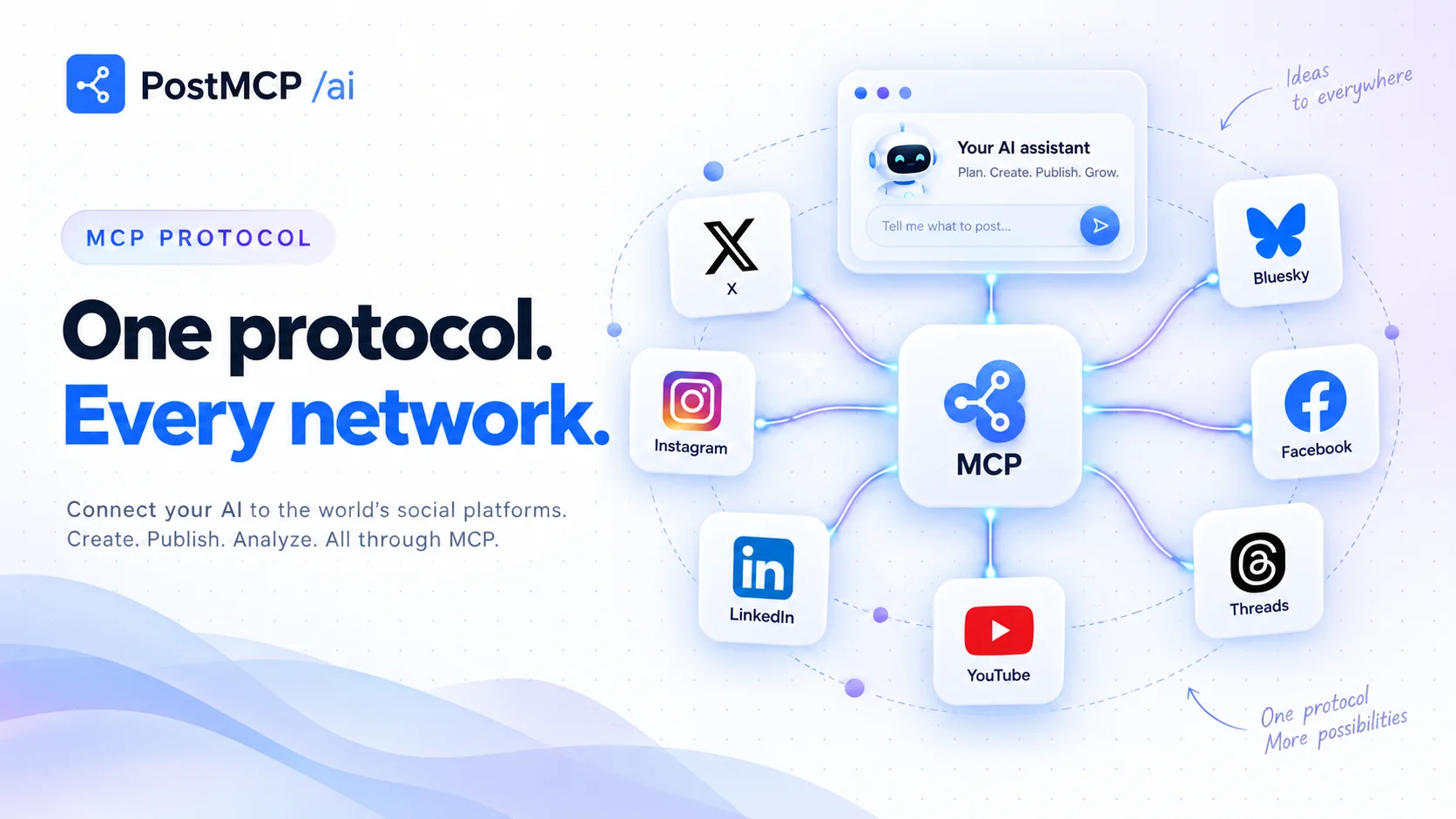
PostMCP’s AI social media manager passes all three, and the AI posting tool page walks through the delivery half — pre-flight checks, per-profile status, retries — in detail.
Why the approval step is the whole product
The feature that makes an AI social media manager safe to use is not the model. It is the moment between “queued” and “published” where a person looks. Every setup that went wrong did so the same way: the approval prompt got annoying, somebody turned it off, and nobody read the feed for a month.
The fix is fewer, better-placed prompts rather than more discipline. Read-only actions — listing the queue, checking which token expires next week — should never ask. Anything that writes should. And the writes should be batched, so a week of posts is one decision rather than thirty. The agent automation guide has the weekly loop that keeps this sustainable.
What it costs, honestly
Two things cost money in a tool like this: the thinking and the delivery. When the thinking happens in the AI you already pay for — Claude, ChatGPT, Cursor — over MCP, the tool should charge only for delivery: on PostMCP that is a credit per published post per profile, with drafts in its own composer at 1 credit and generated images at 20. The free plan includes 20 credits a month with no card, and paid plans start at $20 a month for 2,000 credits — see pricing for the tiers.
The comparison most people are really making is not with another tool but with a hire. A part-time social media manager costs several thousand a month. An AI one costs less than lunch, does the mechanical half, and needs twenty minutes of your judgement on a Monday.
Four things to check before you connect your accounts
- 1Official OAuth, no passwords
Each network should connect through its own sign-in. If a tool asks for your Instagram password it is automating a browser, and that is the fastest way to get an account restricted. Is it safe to give an AI your social accounts? covers the rest.
- 2A voice brief the AI reads first
Tone, audience, the phrases you use and the ones you never use, plus a reference image for generated visuals — kept in the agent’s own instructions. Without a brand voice every draft starts from the model’s idea of marketing.
- 3Per-profile delivery status
One post to four profiles should produce four statuses, four live links and, when something fails, one error you can read. A single “published” badge hides the Instagram rejection until a client notices.
- 4A way to bring your own AI
If you already pay for Claude or ChatGPT, the manager should let that model do the writing through a social media MCP server rather than charging you for a second one. It also means the workflow survives whichever model is best next year.
What good looks like after a month
Three or four posts a week on the networks that matter, each traceable to something that actually happened, in a voice you recognise. Twenty minutes on Monday to approve the batch, five on Friday to see what failed. No week you forgot, and no week the feed filled with material nobody chose.
That is the standard to hold an AI social media manager to. Start with the free plan, hand it one sentence, and judge the drafts that come back.
Frequently asked questions
- What does an AI social media manager do?
- It takes one input — a sentence, a link, a changelog — and does the mechanical work between that and a live post: writes a version per network, generates or picks an image, checks each network’s limits, picks calendar slots, publishes to your connected accounts, and retries anything that fails. Good ones ask for approval before publishing.
- Is an AI social media manager the same as a scheduler?
- No. A scheduler is a calendar you fill by hand. An AI social media manager fills the calendar for you and can also publish, retry and report. It usually contains a scheduler, but the scheduler is the part you stop looking at.
- Can AI post to social media automatically?
- Yes, through each network’s official API. The thing to insist on is an approval step: the AI drafts and queues, you say yes, it publishes. Fully unsupervised posting is possible but tends to produce a feed that posts daily and says nothing.
- How much does an AI social media manager cost?
- Tools in this category run from free to a few hundred dollars a month depending on accounts and volume. PostMCP’s free plan covers five profiles and 20 credits a month with no card, and paid plans start at $20 a month. A human social media manager costs several thousand a month, which is the comparison most people are actually making.
- Will an AI social media manager sound like me?
- Only if it has something to read first. Write a voice brief — tone, audience, banned phrases, a reference image — where the AI reads it before every draft: a Claude Project, ChatGPT’s custom instructions, a CLAUDE.md. Without one you get competent, generic marketing copy.